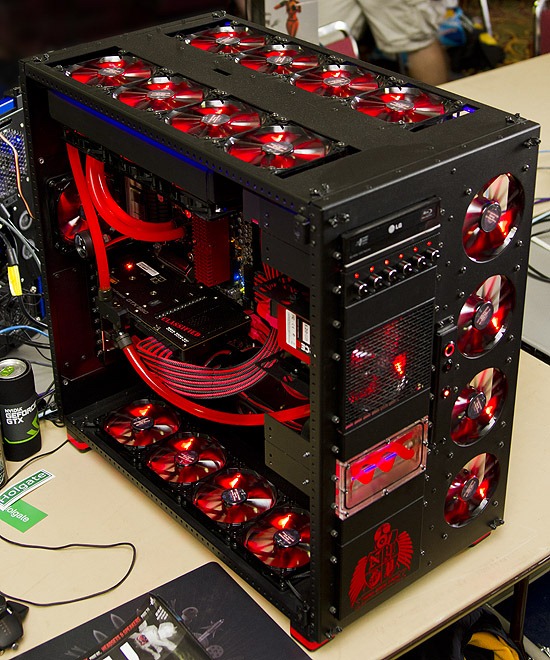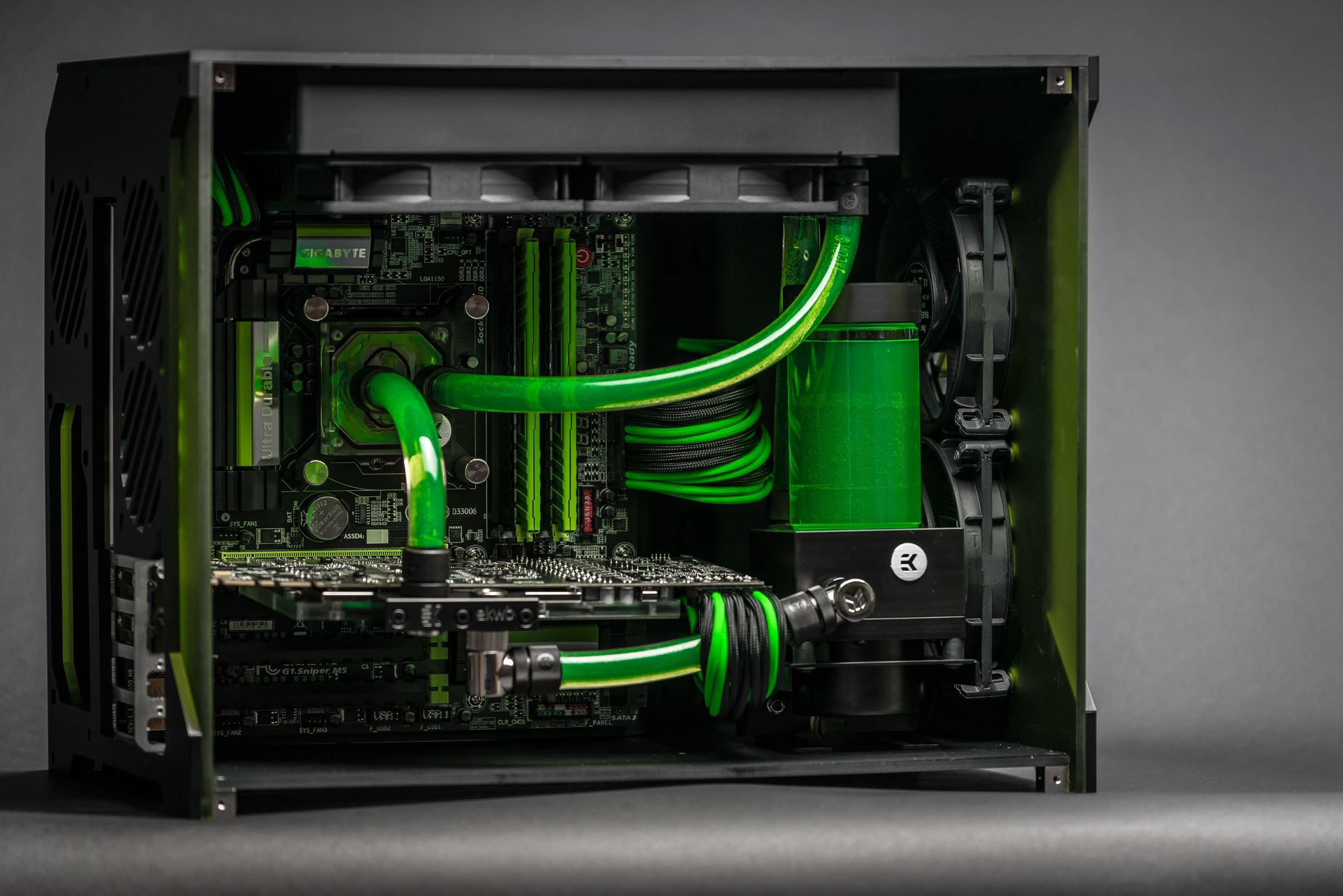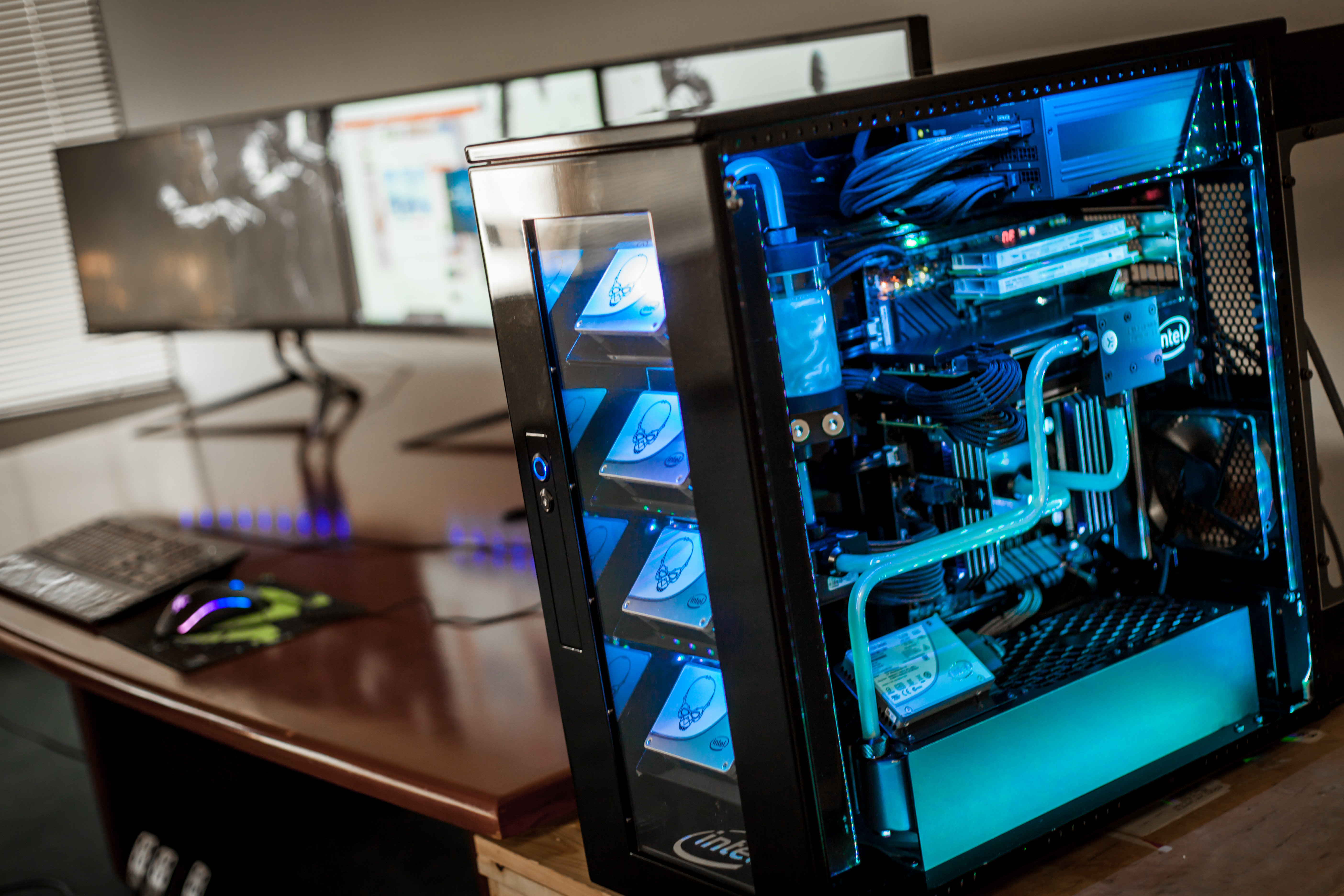
How do you build a custom PC?
- Decide what job you want to do with that computer.--- Media editing and creative works,Games and overclocking,Computation and scientific works,Business and office works,Daily household works and Internet surfing. Also, you might like to have a media entertainment box.
- Decide for the budget.--- In addition to the job that you are doing with your computer you need to trade off for the budget that you are willing to commit. If you are earning from your computer you have to reimburse enough and generously to protect your work.
- Select the CPU (processor) --- A CPU is an electronic device, essentially in the size of an ordinary postal stamp with hundred even thousands of connections molded on a bigger rectangle such that can be handled by human hands. Most recent CPU has more than 2000 pins for connection.Size of the rectangle and number and arrangement of pins is called the "socket" of the CPU.Ordinary CPU's (in alphabetical order) are from AMD and Intel. There are several other CPU manufacturer for smart / mobile phones, specialised and industrial usages such as ARM or powerful SPARC CPU's.
- Get the motherboard.--- Having decided on the job and CPU and its socket, your choices will be narrowed down to certain categories of motherboards. In geek jargon, a motherboard is called a "mobo."The connection of mobo with CPU is decided in terms of the CPU socket type. Socket of the mobo is the place that the CPU attaches to motherboard. The socket of the mobo should be compatible with the CPU.The chipset is the main parameter in selecting the motherboard after you decided for the socket. While the CPU shows how powerful a computer is, the chipset shows how agile a computer is in interfacing with its human operator. The CPU is the master and the chipset is the butler.The chipset should be accommodating for the selected CPU.
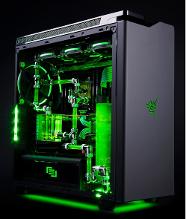
- Get the heat dissipating part for the CPU.--- Excessive heat on a CPU can shut the computer down, reduce the life-time of the CPU or even fry it to death. New CPUs come with a cooler (or an HSF: heatsink and fan). This is called the "stuck" cooler. You could buy or for certain works have to buy your own HSF. Coolers have two parameter to consider.Performance; that is, how far they can reduce the temperature of CPU when it is doing its normal job or while its performing heavy duty jobs such as running a game or editing (coding) a video clip.Created noise. All the coolers have a fan for ventilation and exhausting the hot air around the CPU that can create different levels of noise. Modern expensive coolers use a liquid in a radiator type of circulation; still, they need a fan to work.
- Select the memory.--- The duet of CPU-chipset dictates certain type of memory for the manufacturers who produce the motherboards.Based on that duet the manufacturer of mother boards creates a range of options for the buyers to select and later expand their memory size.Each motherboard has certain number of slots to add memory to the motherboard.Hence, you need to buy a certain amount of memory RAM for your build
- Decide for the graphic capabilities of your build.--- Many motherboards for handling simple jobs have an onboard graphics circuitry with a one connector or two to be attached to your monitors. For heavy works such as games and video editing this is not enough. Such users either do not buy mobos with onboard graphics or they have to extend their graphics capabilities using specialised graphics cards. In such cases, then you should consider the necessary extension bus(es) for attaching graphics card(s) daughter-boards. It is becoming usual to have two graphics cards in extreme gaming or even three of them. They need to be bridged together to act as one powerful graphics card (such as crossfire). Modern multiple graphics cards are identical in status and need not to be separate master and slaves.Very powerful graphics cards might need more space and fill the space of two ordinary cards.Certain graphics cards have no fan to reduce their heat and are called "silence."Most of them have a fan or two that adds to the other noises of the computer.
- Decide for the form factor, that is, the size or dimensions of the mobo.--- A larger motherboard can have more connection buses for later additional specialised daughterboards, such as the mentioned graphics cards.Modern motherboard buses are PCI-e, in different sizes such as x16, x8 and x4 which is the smallest. Still there are one or more PCI for legacy cards, though these also gradually are disappearing. Modern boards do not support the older AGP buses used for older graphics cards.Consider you like to add graphics cards, sound cards, TV-FreeView cards, Fiber-Optics networking cards and some other items later on your computer.
- Find out about peripherals.--- Besides the extension buses, one looks to peripheral device connectors. These device could be keyboard, mouse, monitor, audio and network connections, and USB connections. Recently, SATA connection for external hard drives have been added to the array of modern mobo connections.A motherboard has extra connections onboard to be used for connecting to the front and rear panels of the computer box (case) for additional features
- Get the right kind of networking capabilities.--- Almost all recently manufactured motherboards come with onboard audio and onboard networking capacity and you do not need to think about them, except that you want to enjoy extreme audio experiences and newly emerged optical fiber networking connection to the Computer. Such people should consider having enough buses on the motherboard for these extensions.
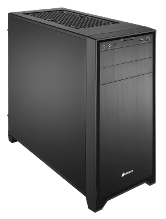
- Decide on the box of your computer; whether to be a desktop or standing tower.---- A Computer box is called a "case." Desktop cases are not fashionable anymore due to space they take on your desk and lack of elegance.
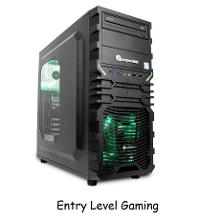
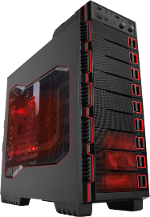
- Select the case.--- In selecting the case consider number of "bays" for open and hidden devices that come in 3.5" and 5.25" form factor and front panel connectors for USB, audio, and recently external SATA; also ease of opening of the cover and number of fans and ease of ventilation.
- Note that those cases that come with a power supply, limit your choices of brand and nominal power of the power supply.--- It is prudent that you decide for the power supply unit or PSU of your computer. Depending on your budget, go to the quietest PSU. Many intermittent faults of a computer are attributed to low power low quality PSU. A modern computer should not have a PSU with less than 500 watts of power. There are on-line sites that calculate your necessary power. Multiply their number by a factor of 1.5 to 2.
- Get an HDD.--- Your operating system becomes installed on a hard disk drive (HDD). Buy an internal hard disk with a minimum capacity of 320 GB and 3.5" form factor. Cache of an HDD is important in speed of your work. A larger cache makes a HDD more expensive. Almost all the HDD brands have the same quality. Recently, solid state drives (SSD) have solved the problems of noise and heat that HDDs cause, though still expensive.
- Buy an Optical Drive to be able to use CDs, DVDs or even Blu-Rays.---You'll be able to read and write optical media. An internal dual layer DVD r/w is the minimum to buy, and is very cheap.
SOURCe: wikihow
TO SOLVE ALL YOUR HEADACHE WE ARE HERE TO HELP YOU SO SIT BACK AND JUST CHOOSE THE PRODUCTS YOU WANT OR WHICH FITS IN YOUR BUDGET, AND YOU ARE GOOD TO GOO, WE WILL CONTACT YOU
CUSTOMIZE YOUR PC
Custom PCs and gaming computers with amazing graphics and stunning performance. Powered by NVIDIA or AMD graphics Every DIGIPOWER Computer is expertly crafted to maximize every bit of power in your system.
PC Customization. It's always useful to be able to customize your PC to make it more your own, but it's also a way to make yourself feel more in control.
Customizing a gaming PC requires special attention to key areas like your video card, CPU and memory.Our high performance desktops offer benefits to the non-gamer. Improve productivity with ourcustom built computers or enjoy a media center PC.
SO CUSTOMIZE YOUR PC ACCORDING TO YOUR NEEDS AND BUDGET.